Type or paste
Add your text in the box above.
Free / Fast / Accurate
A simple, fast and free online word counter. Count words, characters, sentences, paragraphs and more right in your browser.
Simple steps
Get your text insights in just a few seconds.
Add your text in the box above.
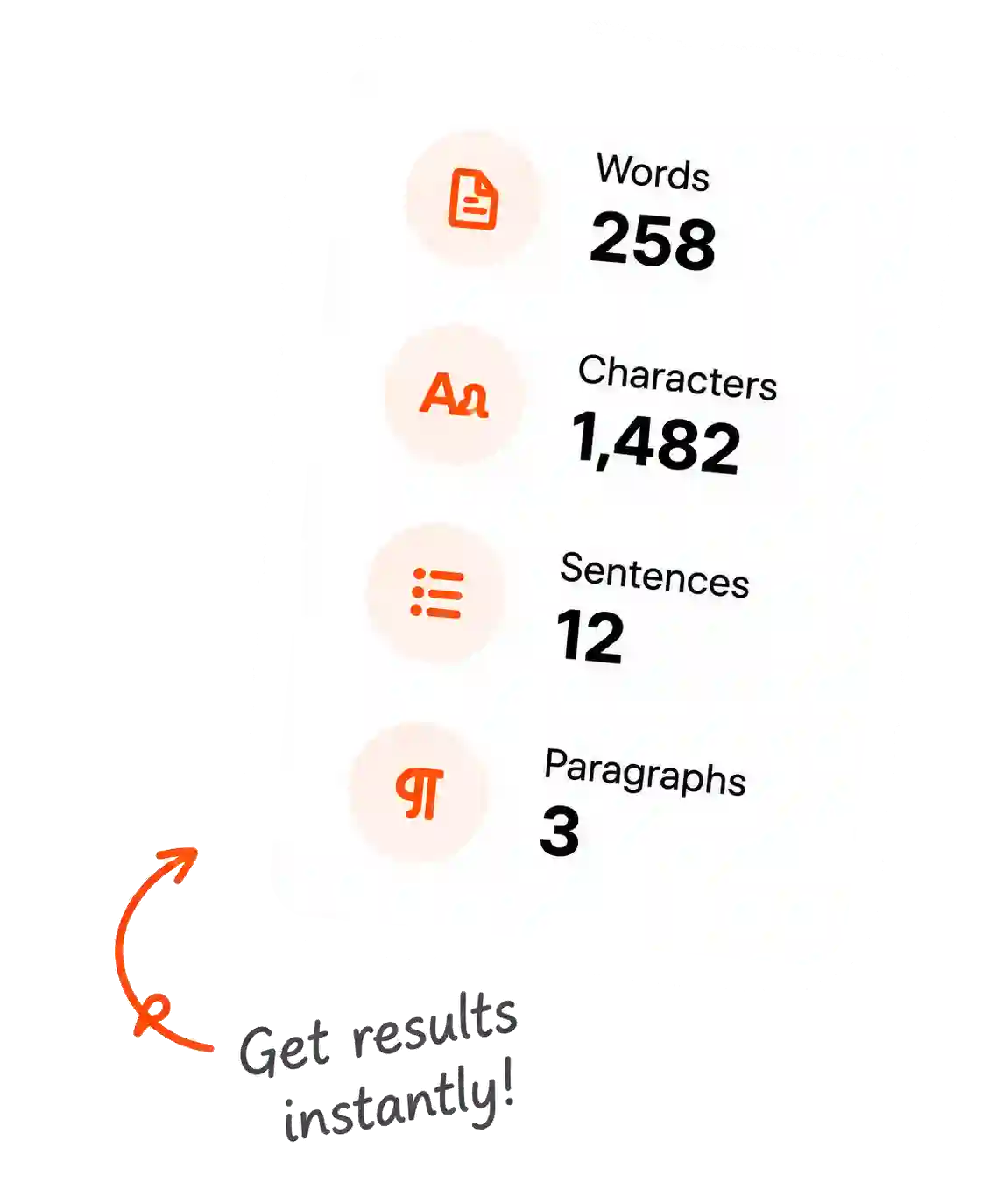
See word count and other stats instantly.
Format text with built-in tools.
Copy your text or stats with one click.
Use cases
From students to professionals, our word counter helps everyone.
Check essays and study notes within limits.
Track writing progress effortlessly.
Count text for reports, articles and documents.
Optimize posts, scripts and SEO content.
Why use it?
Fast, accurate and beautifully simple. Everything you need, nothing you don't.
Get real-time counts as you type or paste.
Count words, characters, sentences and more.
Use it on any device, anytime, anywhere.
No limits, no sign-up, no hidden fees.
FAQ
Everything you need to know about our word counter.
Yes. You can count text anytime without sign-up or limits.
No account is required. Open the tool and start counting.
It counts words, characters, characters without spaces, sentences, paragraphs and reading time.
No. The counting happens in your browser and your text stays on your device.
Yes. The layout is responsive and works nicely on phones, tablets and desktops.
An online word counter is a browser tool that counts words, characters, sentences, paragraphs and reading time from text you type or paste.
Paste or type your text into the text box and the counts update instantly while you work.
Yes. Students can paste essays, assignments or notes to check word count, character count and estimated reading time.
Yes. The tool shows total characters and characters without spaces so you can match different writing limits.
Yes. Copy the text from Word or Google Docs and paste it into the counter to see the live stats.
Yes, if the PDF text can be selected. Copy the text from the PDF and paste it into the word counter.
No. This word counter works with typed or pasted text. Convert image text to editable text first, then paste it here.
The counter uses browser logic to calculate common text stats instantly. For strict publishing or academic rules, always compare with the required style guide.
Yes. It works well for English text and can count pasted text from many other languages too.
No. This is a web-based word counter, so you can open it in your browser without installing an extension.